
Demo
How it works
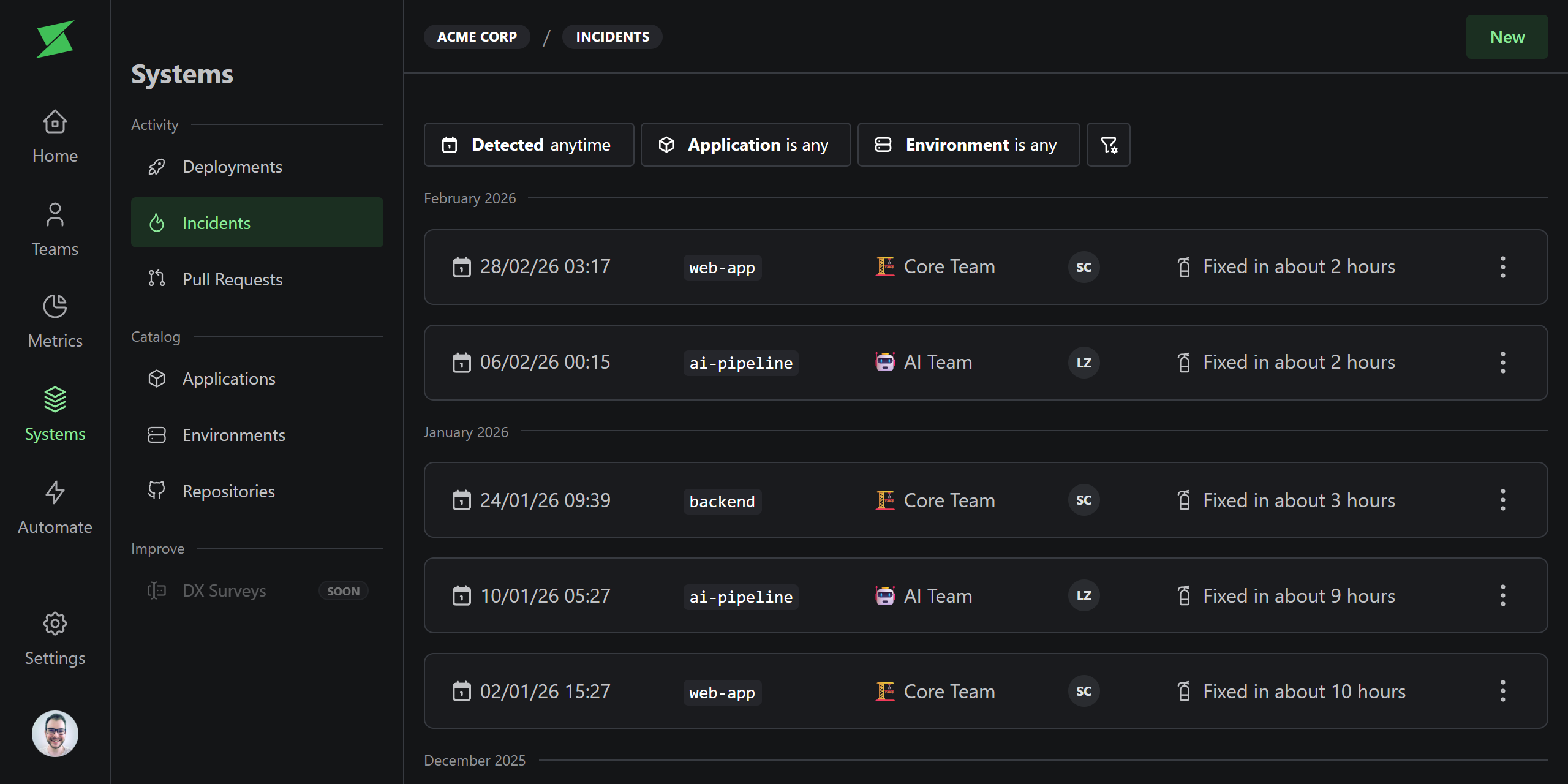
Incidents represent production issues caused by a deployment. They track the full lifecycle from detection to resolution, linking back to the deployment that caused the issue and the deployment that fixed it.Key fields
Creating incidents
Incidents can be created in two ways:- Manually: Create an incident from the UI, linking it to the deployment that caused it.
- Automatically: Use the Incident Detection automation to detect incidents from rollbacks, hotfixes, and reverts.
Impact on metrics
Incidents directly feed into two DORA metrics:- Change Failure Rate: The percentage of deployments that caused an incident.
- Mean Time to Recovery: The average time between incident detection and resolution.