
Demo
How it works
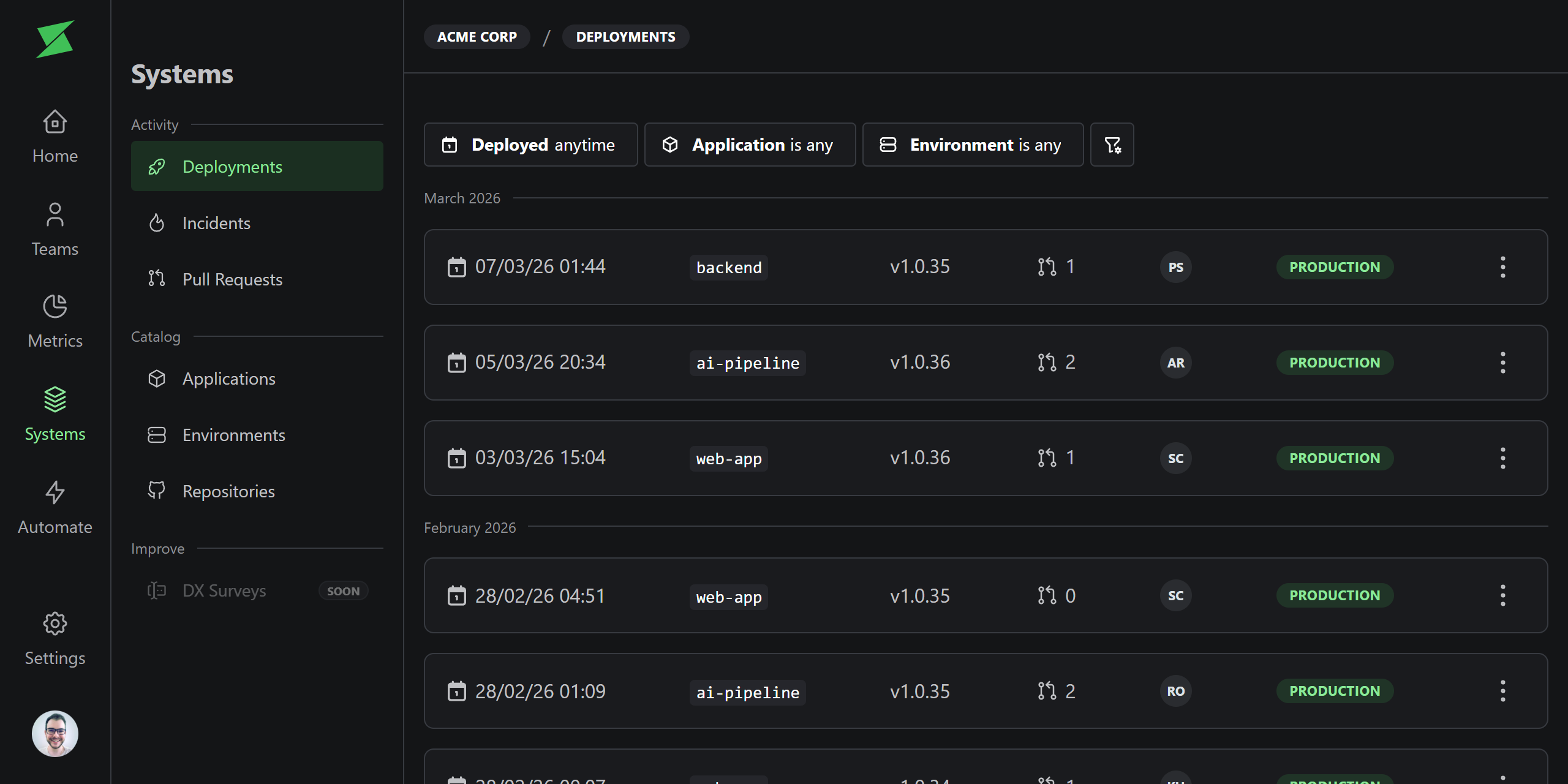
Deployments track when a version of an application is deployed to an environment. Each deployment records the version, commit hash, environment, and linked pull requests. Filter deployments by application, environment, and date range to find exactly what you need.Setting up deployments for DORA Metrics
To get accurate DORA metrics, you need to track deployments in Sweetr.1
Create an application
Deployments belong to Applications. Create at least one application for each deployable unit in your repositories.You can create applications manually from the UI, or let Sweetr auto-create them when you send your first deployment via the API.
2
Choose a deployment trigger
Each application needs a deployment trigger so Sweetr knows when a deployment happens. Pick the one that fits your workflow:Configure the trigger in your application’s Deployment settings. For merge-based triggers, set the target branch to the branch that represents production (e.g.,
API Webhook
Call the POST /v1/deployments endpoint from your CI/CD pipeline (e.g., GitHub Actions, GitLab CI, Jenkins) whenever a deployment completes. Recommended for the most accurate metrics, since it captures the real deployment time.
Pull Request Merge
Automatically create a deployment when a pull request is merged to a target branch. Simpler to set up, but uses the merge time as an approximation of deployment time.
main).3
Send your first deployment
Trigger a deployment by calling the API or merging a pull request to your target branch. Sweetr will record it and start building your DORA metrics.
4
Backfill historical data
Want DORA metrics from day one? Start with the Pull Request Merge trigger, then go to Settings → Workspace and click Resync all historical data. Sweetr will create deployments for every previously merged PR to your target branch, giving you historical metrics right away.Once you have your baseline, you can switch to the API Webhook trigger for more accurate deployment times going forward.
Change type
Sweetr automatically determines the change type for each deployment by comparing commits against the previous deployment:- Forward: A standard deployment with new changes.
- Rollback: The deployment reverts to a previous version.
- No Change: A redeployment of the same version.
Linking Pull Requests
Each deployment is automatically linked to the pull requests it contains. The linking strategy depends on the deployment trigger.API Webhook
When a deployment is received via the API, Sweetr compares the deployment’s commit hash against the previous deployment’s commit hash using GitHub’s compare API. All merged pull requests whose merge commit falls within that range are linked to the deployment. For monorepo applications with a configured subdirectory, only pull requests that modified files within that subdirectory are linked.The first deployment for an application/environment pair is marked as a
baseline and has no linked pull requests, since there is no previous
deployment to compare against.
Pull Request Merge
When a deployment is triggered by a pull request merge, the linked pull request is always the one that was merged. No commit comparison is needed.Data quality
The deployment trigger you choose affects the accuracy of your DORA metrics, specifically Change Lead Time and Deployment Frequency.API Webhook
Records the actual deployment time as reported by your CI/CD pipeline.
This provides the most accurate time-to-deploy calculations since it
captures the real moment your code reaches production.
Pull Request Merge
Uses the merge time as the deployment time. This is an approximation,
since the actual deployment typically happens after the merge, once your
CI/CD pipeline finishes building, testing, and deploying.