
Demo
How it works
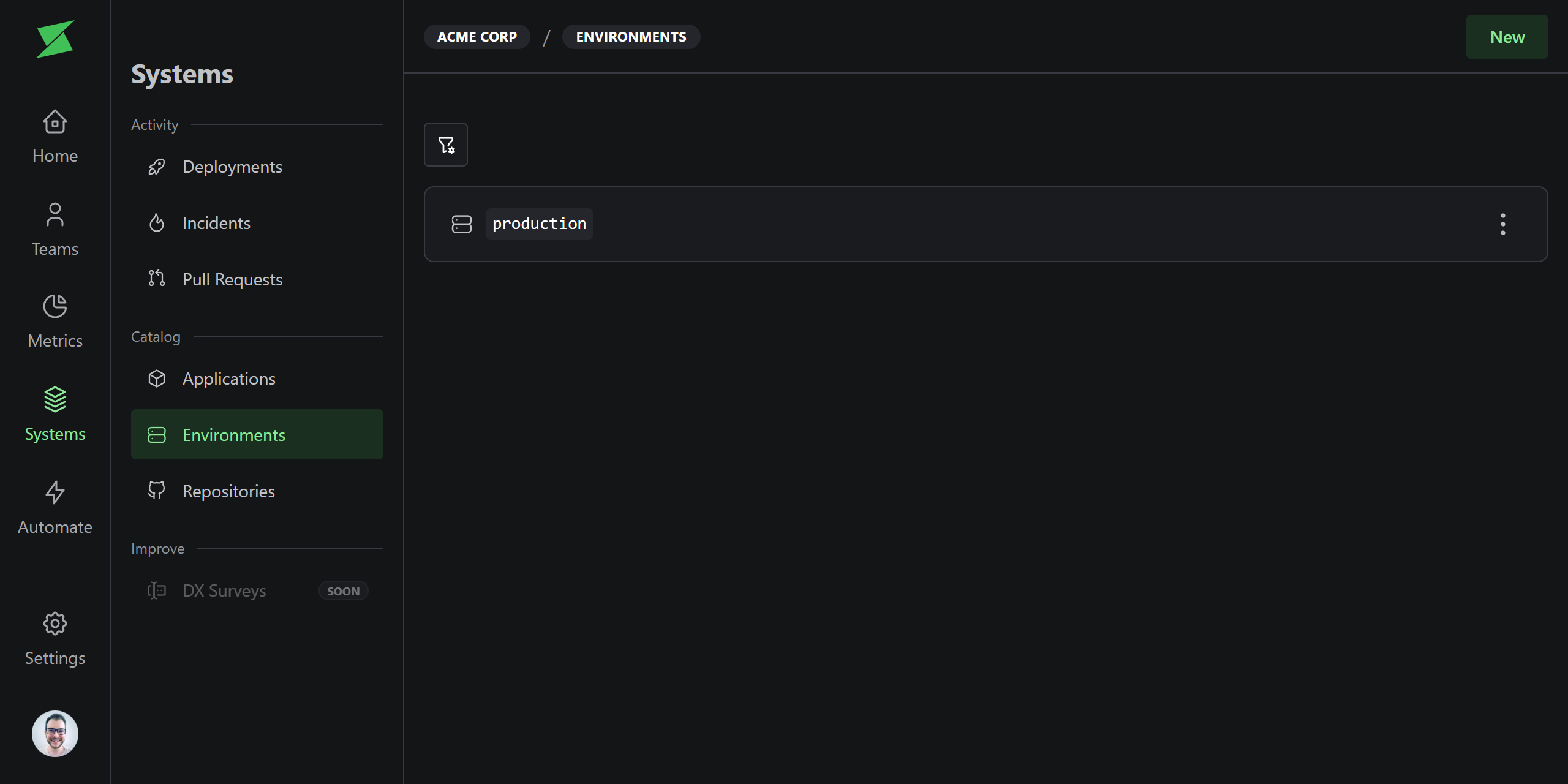
Environments represent deployment targets likeproduction, staging, or qa. Deployments are always associated with an environment, and metrics can be filtered by environment.
A default production environment is created for every workspace. Additional environments are created automatically when a deployment is sent via the API with an environment name that doesn’t exist yet.
Environments named
production or prod (case-insensitive) are automatically
marked as production environments.Production flag
Each environment has anisProduction flag. This matters because DORA metrics default to production environments only. Non-production deployments are excluded unless you explicitly filter for them.
When to use multiple environments
For most teams, the defaultproduction environment is all you need. Multiple environments are useful when:
- You want to measure metrics for non-production environments, for example, tracking deployment frequency to staging.
- You have multiple production environments, for example, regional deployments (
production-us,production-eu). Since only exact namesproductionorprodare auto-detected, you must explicitly set the production flag for regional environment names.