> ## Documentation Index
> Fetch the complete documentation index at: https://docs.sweetr.dev/llms.txt
> Use this file to discover all available pages before exploring further.
# Environments
> Organize deployments by environment to track metrics across your deployment targets.
export const CtaGetStarted = ({label = "Ready to make delivery flow again?"}) => ;
## Demo
 ## How it works
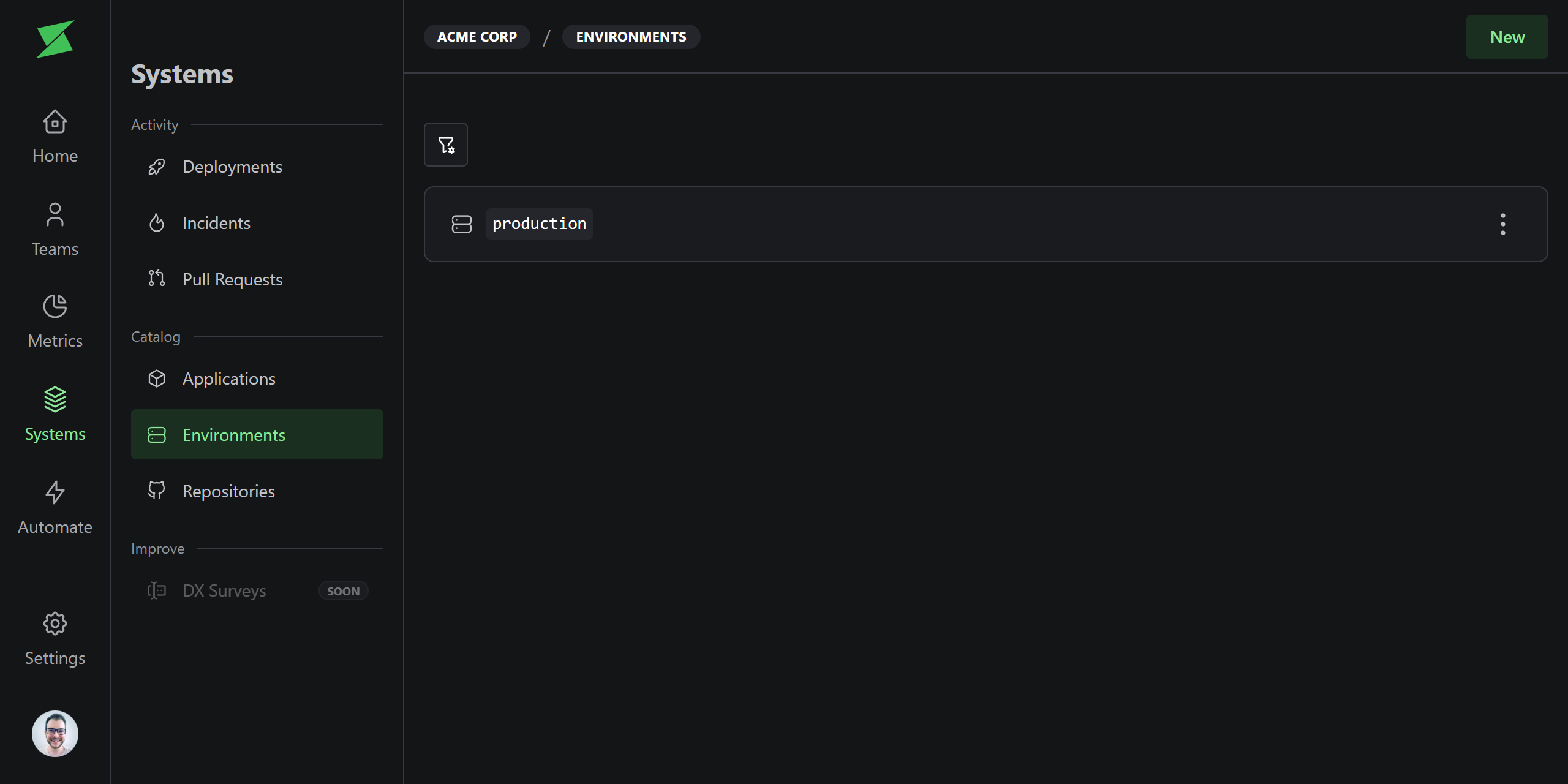
Environments represent deployment targets like `production`, `staging`, or `qa`. Deployments are always associated with an environment, and metrics can be filtered by environment.
A default **production** environment is created for every workspace. Additional environments are created automatically when a deployment is sent via the [API](/api-reference/deployments/create-deployment) with an environment name that doesn't exist yet.
Environments named `production` or `prod` (case-insensitive) are automatically
marked as production environments.
## Production flag
Each environment has an `isProduction` flag. This matters because DORA metrics default to production environments only. Non-production deployments are excluded unless you explicitly filter for them.
## When to use multiple environments
For most teams, the default `production` environment is all you need. Multiple environments are useful when:
* **You want to measure metrics for non-production environments**, for example, tracking deployment frequency to staging.
* **You have multiple production environments**, for example, regional deployments (`production-us`, `production-eu`). Since only exact names `production` or `prod` are auto-detected, you must explicitly set the production flag for regional environment names.
## Archiving
Environments that are no longer in use can be archived. Archived environments are hidden from filters and excluded from metrics. You can unarchive them at any time.
## Related
## How it works
Environments represent deployment targets like `production`, `staging`, or `qa`. Deployments are always associated with an environment, and metrics can be filtered by environment.
A default **production** environment is created for every workspace. Additional environments are created automatically when a deployment is sent via the [API](/api-reference/deployments/create-deployment) with an environment name that doesn't exist yet.
Environments named `production` or `prod` (case-insensitive) are automatically
marked as production environments.
## Production flag
Each environment has an `isProduction` flag. This matters because DORA metrics default to production environments only. Non-production deployments are excluded unless you explicitly filter for them.
## When to use multiple environments
For most teams, the default `production` environment is all you need. Multiple environments are useful when:
* **You want to measure metrics for non-production environments**, for example, tracking deployment frequency to staging.
* **You have multiple production environments**, for example, regional deployments (`production-us`, `production-eu`). Since only exact names `production` or `prod` are auto-detected, you must explicitly set the production flag for regional environment names.
## Archiving
Environments that are no longer in use can be archived. Archived environments are hidden from filters and excluded from metrics. You can unarchive them at any time.
## Related
