
{label}
 ## How it works
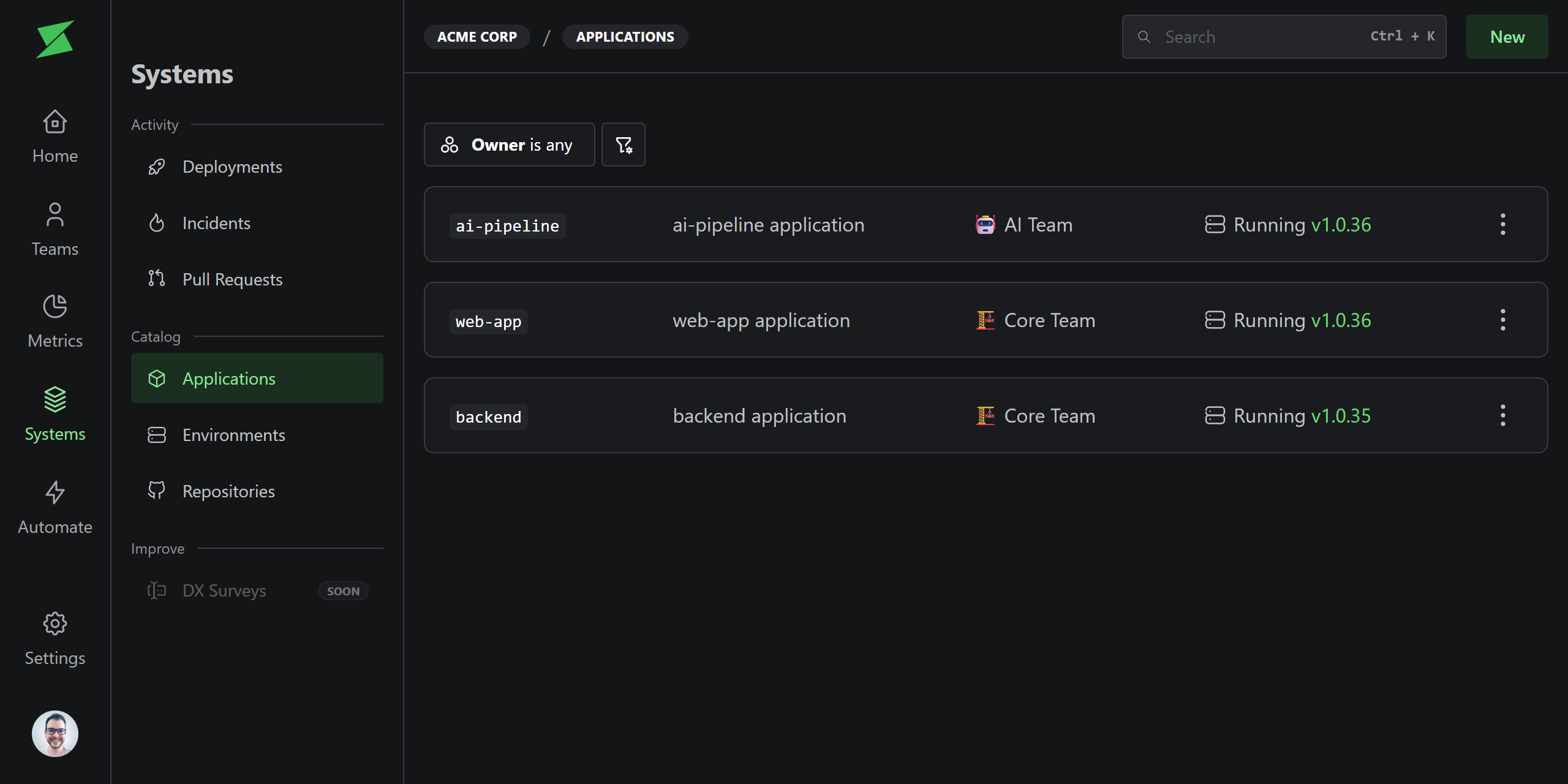
Applications represent deployable units within your repositories. They connect a repository to its deployments and environments, making it possible to track deployment history and DORA metrics per application.
Applications support **monorepo setups**. A single repository can have multiple applications, each mapped to a subdirectory.
## Creating applications
Applications can be created in two ways:
* **Manually**: Create an application from the UI and configure its deployment settings.
* **Automatically**: When a deployment is sent via the API, Sweetr auto-creates the application if it doesn't exist.
## Deployment settings
Each application has configurable deployment settings that control how deployments are tracked:
| Setting | Description |
| ----------------- | ------------------------------------------------------------------- |
| **Trigger** | How deployments are created: API Webhook or PR Merge. |
| **Target branch** | For merge-based triggers, the branch that represents production. |
| **Subdirectory** | For monorepos, the path within the repository for this application. |
## Archiving
Applications that are no longer in use can be archived. Archived applications are hidden from filters and excluded from metrics. You can unarchive them at any time.
## Related
## How it works
Applications represent deployable units within your repositories. They connect a repository to its deployments and environments, making it possible to track deployment history and DORA metrics per application.
Applications support **monorepo setups**. A single repository can have multiple applications, each mapped to a subdirectory.
## Creating applications
Applications can be created in two ways:
* **Manually**: Create an application from the UI and configure its deployment settings.
* **Automatically**: When a deployment is sent via the API, Sweetr auto-creates the application if it doesn't exist.
## Deployment settings
Each application has configurable deployment settings that control how deployments are tracked:
| Setting | Description |
| ----------------- | ------------------------------------------------------------------- |
| **Trigger** | How deployments are created: API Webhook or PR Merge. |
| **Target branch** | For merge-based triggers, the branch that represents production. |
| **Subdirectory** | For monorepos, the path within the repository for this application. |
## Archiving
Applications that are no longer in use can be archived. Archived applications are hidden from filters and excluded from metrics. You can unarchive them at any time.
## Related